
Appearance
Market Research
Market Research pulls up an estimated value, the local price trend and nearby sales for any address. It's handy before a listing appointment, or when a homeowner asks what their home is worth.
Open Market Research from the left menu, under Intelligence. The page itself is titled Market lookup.
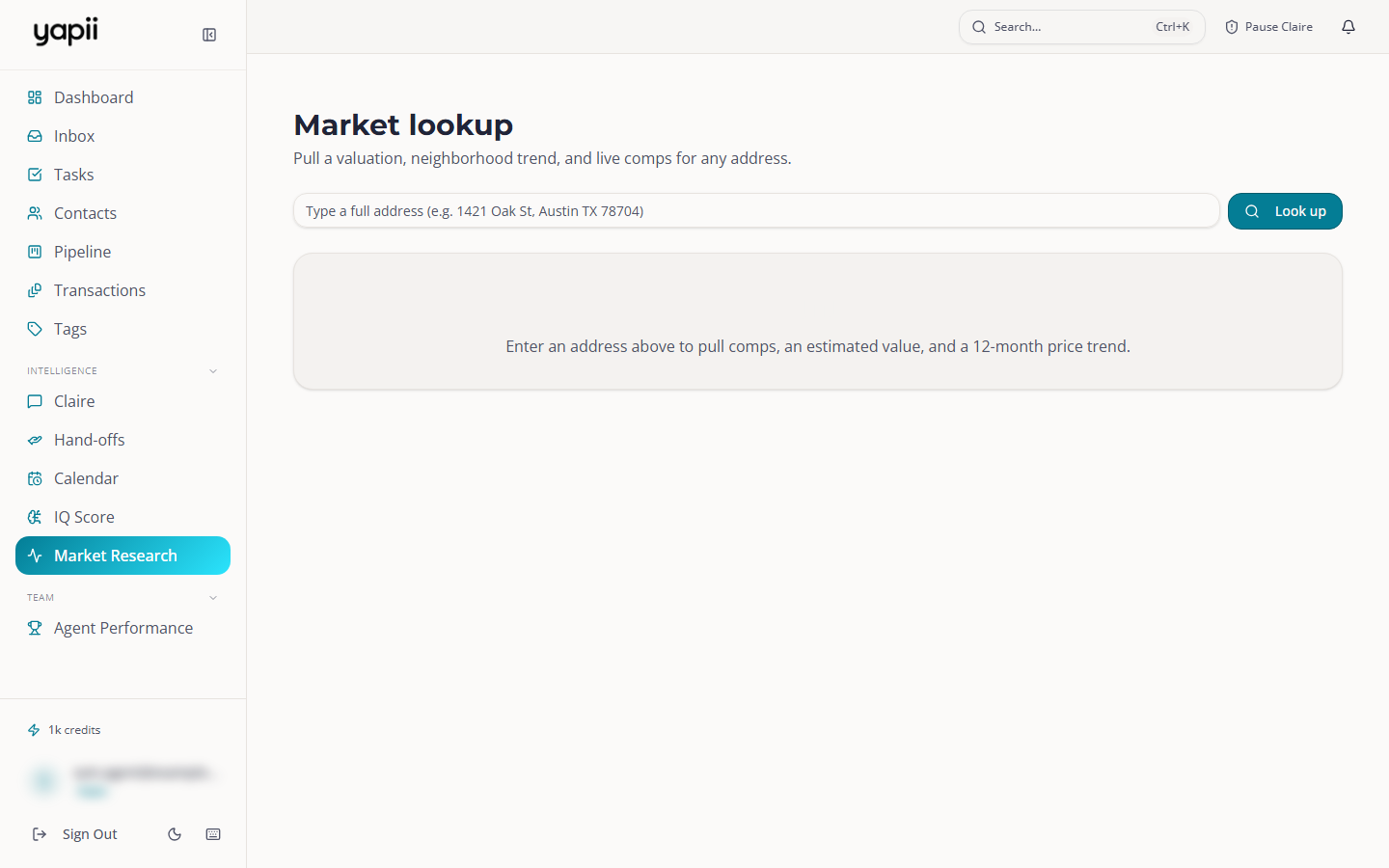
Looking up an address
- Type the full address in the box, for example "1421 Oak St, Austin TX 78704".
- Pick the right address from the suggestions.
- Click Look up.
Picking from the suggestions also shows the home on a map.
What you get
- Estimated value, with a likely range.
- Median $/sqft and Days on market for the area.
- 12-month price trend: the median sold price in that ZIP code over the past year.
- Recent sales, Pending (under contract) and Active listings nearby, with beds and baths, size, price, price per square foot and distance.
- Price history for the home, when it's available.
Nothing is saved or sent. It's a lookup only.
If you see "N/A"
The numbers come from a property data provider. If your workspace hasn't connected one, you'll see N/A and a note such as "Connect a property data provider to see live valuations". Ask your owner or admin: they set this up in Settings, under Phone & Connected Services.
"Data not available for this area" means the provider has no data for that location.