
Appearance
Agent Performance
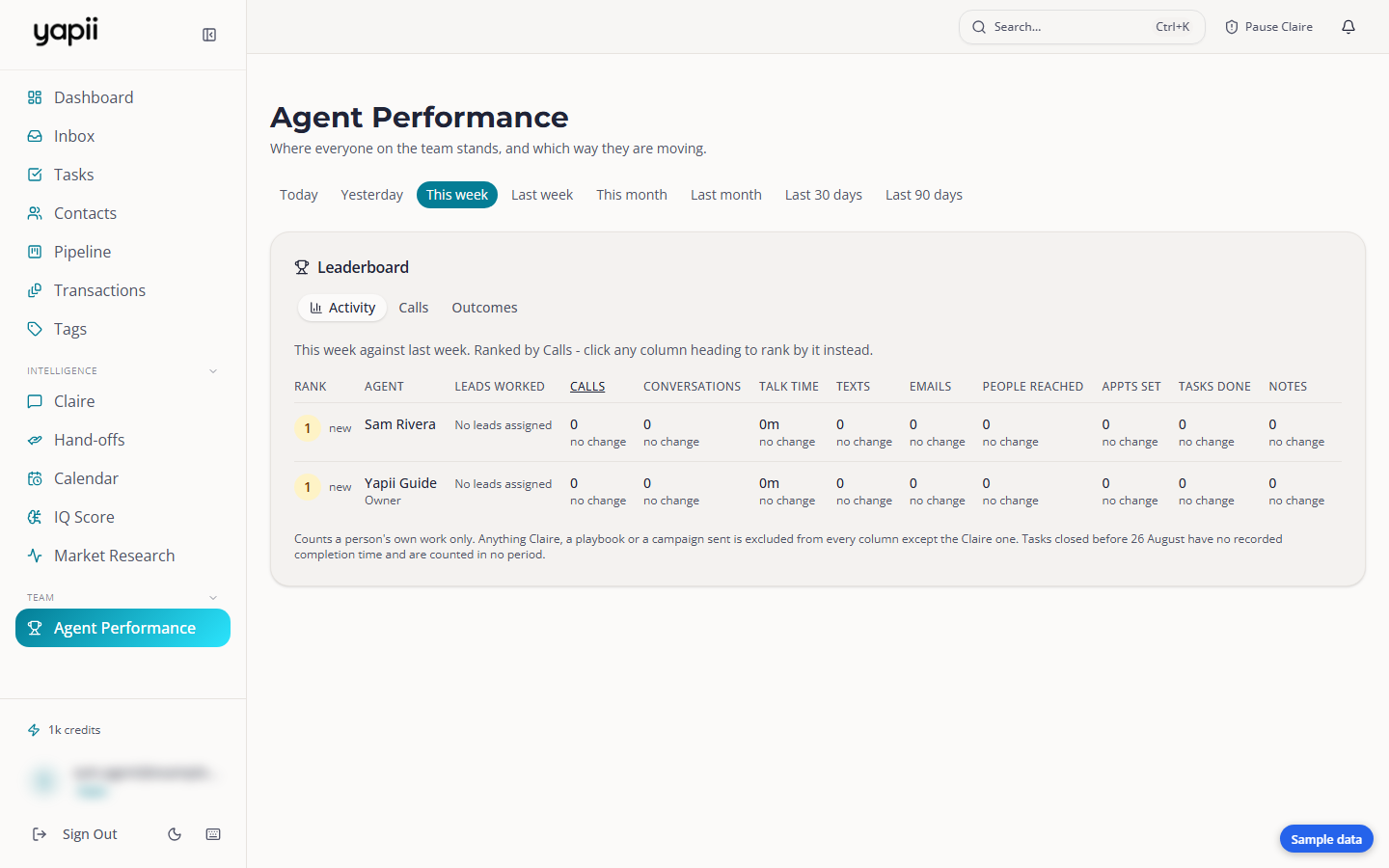
Agent Performance shows where everyone on the team stands on calls, texts, appointments and deals, and whether they're up or down on the period before. Everyone in the workspace can see it.
Open Agent Performance from the left menu, under Team.
What others can see
Everyone sees everyone's names and totals here. Nobody sees anyone else's contacts.
Choosing a period
Pick a period at the top: Today, Yesterday, This week (the default), Last week, This month, Last month, Last 30 days or Last 90 days.
The leaderboard
Click any column heading to rank by it. Under each number you'll see the change on the period before, such as +3 (+20%), no change or (new). The arrow next to each rank shows who moved up or down.
| Tab | What it ranks |
|---|---|
| Activity | Leads worked, calls, conversations, talk time, texts, emails, people reached, appointments set, tasks done and notes. |
| Calls | Dials, conversations, connect rate, talk time, average call length, and calls Claire dialled. |
| Outcomes | Appointments set and held, no-shows, deals started and closed, and commission closed. |
A conversation is a connected call that lasted at least 30 seconds.
What counts
- Only each person's own work counts. Messages sent by Claire, a playbook or a campaign aren't credited to anyone, except in the Claire column, which appears when Claire has done something in the period.
- The deal columns stay empty until your team uses the Pipeline.